Recipe Card Planner: Your Ultimate KDP Solution
Whether you're a professional, creator, or entrepreneur, the Recipe Card Planner is an indispensable tool for anyone looking to publish high-quality, visually appealing recipe cards. This versatile and user-friendly planner is designed specifically for Kindle Direct Publishing (KDP), making it easy to create, edit, and print your very own recipe card collection.
Why Choose the Recipe Card Planner?
The Recipe Card Planner stands out for its comprehensive features and ease of use. It’s perfect for individuals who want to share their culinary creations with the world, whether through self-publishing, personal branding, or as a creative hobby. Here’s what makes it so special:
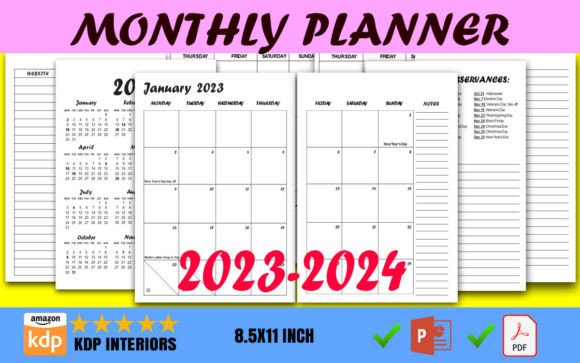
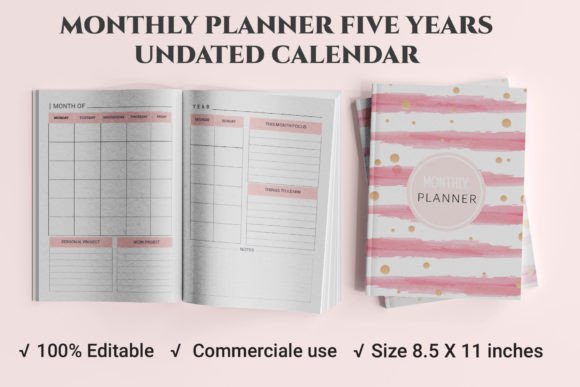
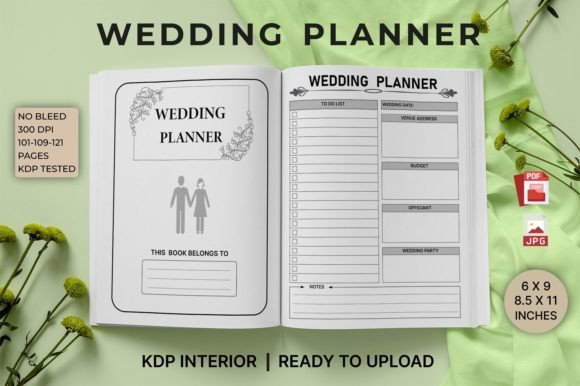
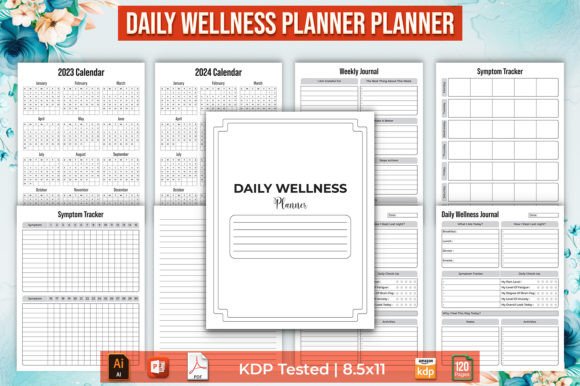
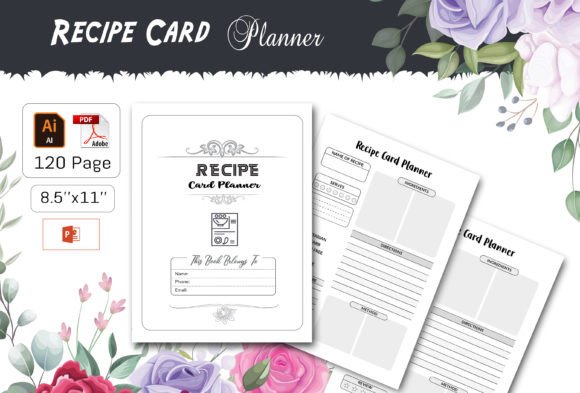
- File Size 8.5 x 11 inches: Perfectly formatted for standard printing, ensuring your recipe cards look professional and polished.
- Easy to Edit File: The planner comes in fully editable formats, allowing you to customize every aspect of your recipe cards to match your style and brand.
- Ready to Upload PDF File: Save time and effort with a ready-to-upload PDF file, already optimized for KDP.
- High Quality with 300 dpi: Enjoy crisp, clear images and text that will make your recipe cards stand out.
- Total 120 Pages: With 120 pages, you have ample space to document and share all your favorite recipes.
Key Features and Strengths
The Recipe Card Planner is not just another template; it’s a comprehensive solution designed to meet the needs of both beginners and seasoned publishers. Here are some of its standout features:
- Easy to Change Colors: Customize the colors to match your brand or personal preference, making each recipe card uniquely yours.
- Print-Ready File: No need to worry about formatting issues. The planner includes a print-ready file, ensuring your recipe cards look great on any printer.
- 100 Vector Shapes Resizable: Use and resize 100 vector shapes to add creative elements and visual interest to your recipe cards.
- Fully Editable Vector: The vector-based design allows for endless customization, from resizing to repositioning, without losing quality.
Practical Applications and Benefits
The Recipe Card Planner is incredibly versatile and can be used in a variety of settings, from personal projects to professional publishing. Here’s how it can benefit you:
Personal Use
For home cooks and food enthusiasts, the Recipe Card Planner is a fantastic way to organize and share your favorite recipes. Whether you’re creating a family cookbook or gifting recipe cards to friends, this planner helps you present your recipes in a professional and visually appealing way.
Professional Publishing
For publishers and content creators, the Recipe Card Planner offers a streamlined and efficient way to produce high-quality recipe books. The ready-to-upload PDF and print-ready files save you time and ensure that your final product meets the highest standards.
Educational and Creative Environments
Educators and creative professionals can use the Recipe Card Planner to create engaging and interactive materials. Whether you’re teaching a cooking class or designing a culinary-themed project, the planner provides the tools you need to create visually stunning and informative content.
Realistic Examples and Use Cases
Imagine you’re a food blogger looking to expand your reach by publishing a recipe book. With the Recipe Card Planner, you can easily format and design your recipes, add your personal touch, and publish a professional-looking book. Or, if you’re a small business owner, you can use the planner to create branded recipe cards as promotional materials or giveaways, enhancing your brand’s visibility and engagement.
Practical Considerations
When selecting and using the Recipe Card Planner, consider the following practical tips:
- Choose the Right Format: The planner comes in multiple formats, including Illustrator CC 2019 Ai or EPS, Microsoft PowerPoint 2016 PPT, and JPEG. Select the format that best suits your editing and publishing needs.
- Customize Thoughtfully: Take advantage of the customizable features, but remember to keep your design consistent and aligned with your brand or personal style.
- Test Before Publishing: Always test your designs before publishing. Print a few sample pages to ensure the layout and colors appear as expected.
By following these guidelines, you can maximize the potential of the Recipe Card Planner and create recipe cards that are both functional and visually appealing.
In conclusion, the Recipe Card Planner is a powerful and versatile tool for anyone looking to publish high-quality recipe cards. Its comprehensive features, ease of use, and professional results make it an essential addition to your publishing toolkit. Start creating your perfect recipe cards today and share your culinary creations with the world!